
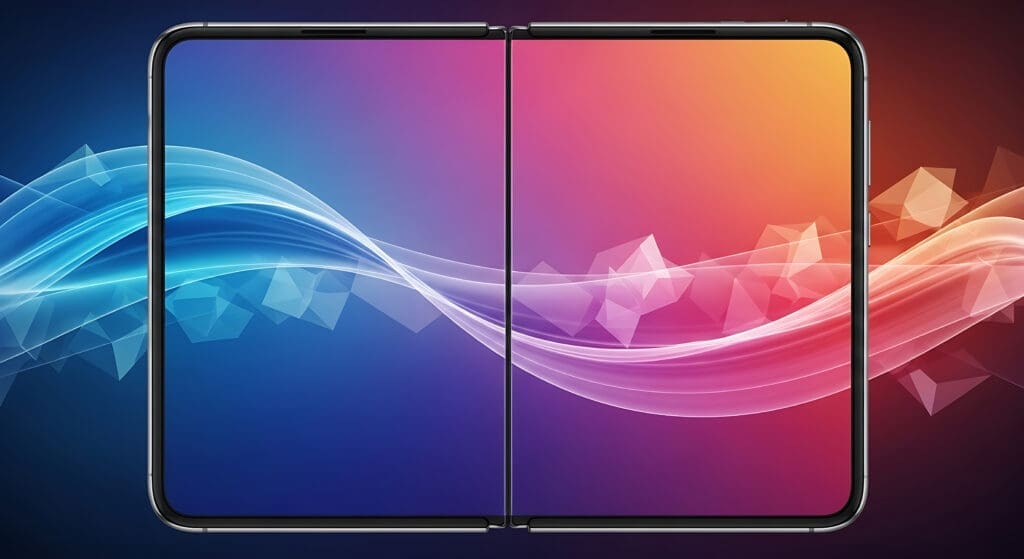
Foldable devices introduce layout challenges you don’t see on standard phones and laptops: a screen can be perfectly flat, or it can be bent like a book or mini-laptop—and some devices even have two screens with a physical hinge in the middle. If your UI isn’t posture-aware, important content can end up hidden under the fold/hinge or become awkward to read when the screen is partially “split” by the device’s shape.
The Device Posture API helps by exposing the device’s current physical posture so your site can adapt in real time. On MDN, the API defines two postures:
- continuous — a flat screen state. Foldables report continuous when fully open or fully closed. Non‑foldable devices are effectively always continuous (including typical desktop, laptop, tablet, and phone screens).
- folded — a folded state, like a book or laptop posture.
The main entry point is Navigator.devicePosture, which returns a DevicePosture object. That object provides the current posture via type and emits a change event whenever the device posture changes—making it straightforward to update UI state, log transitions, or switch layouts dynamically.
There’s also a related CSS capability: the device-posture @media feature, which lets you adjust styling based on posture without relying entirely on JavaScript.
					<!DOCTYPE html>
<html lang="en">

<head>
    <meta charset="UTF-8">
    <meta name="viewport" content="width=device-width, initial-scale=1.0">
    <title>Device Orientation API Demo</title>
    <link href="style.css" rel="stylesheet" />
    <script src="devicePostureAPI.js" defer></script>
</head>

<body>
    <main>
        <h1>Device Posture API Demo</h1>
        <p>This demo shows how to detect and respond to device posture changes.</p>

        <div id="status-container">
            <p><strong>API Support:</strong> <span id="api-support">Checking...</span></p>
            <p><strong>Current Posture:</strong> <span id="current-posture">N/A</span></p>
        </div>

        <div id="log-container">
            <h2>Posture Change Log</h2>
            <ul id="posture-log">
                <!-- Log entries will be added here by JavaScript -->
            </ul>
        </div>

        <p class="notes">
            Notes: This API is experimental and primarily for foldable devices.
            Browser developer tools typically only report 'continuous' posture.
            For full functionality, test on a physical foldable device.
            This feature is available only in secure contexts (HTTPS).
        </p>
    </main>
</body>

</html>
					// --- DOM Element References ---
// Get references to the HTML elements where we will display information.
const apiSupportEl = document.querySelector('#api-support');
const currentPostureEl = document.querySelector('#current-posture');
const postureLogEl = document.querySelector('#posture-log');

// --- Helper Functions ---

/**
 * Adds a new entry to the posture change log.
 * @param {string} message - The message to log.
 */
function logPostureChange(message) {
	const listItem = document.createElement('li');
	// Prepend a timestamp to each log entry for clarity.
	listItem.textContent = `[${new Date().toLocaleTimeString()}] ${message}`;
	// Add new log entries to the top of the list.
	if (postureLogEl.firstChild) {
		postureLogEl.insertBefore(listItem, postureLogEl.firstChild);
	} else {
		postureLogEl.appendChild(listItem);
	}
}

/**
 * Updates the UI with the current device posture.
 * @param {string} postureType - The current posture type ('continuous' or 'folded').
 */
function updateUI(postureType) {
	currentPostureEl.textContent = postureType;

	// Update the body class to apply posture-specific styles if defined in CSS.
	document.body.classList.remove('posture-continuous', 'posture-folded');
	document.body.classList.add(`posture-${postureType}`);

	logPostureChange(`Posture changed to: ${postureType}`);
}

// --- Main Logic ---

// Check if the Device Posture API is supported by the browser.
// The API is exposed via `navigator.devicePosture`.
if ('devicePosture' in navigator) {
	apiSupportEl.textContent = 'Supported';
	apiSupportEl.style.color = 'green'; // Visual indicator for support

	const devicePosture = navigator.devicePosture;

	// Get the initial posture and update the UI.
	updateUI(devicePosture.type);

	// Add an event listener to react to posture changes.
	// The 'change' event fires whenever the device's physical posture changes.
	devicePosture.addEventListener('change', () => {
		updateUI(devicePosture.type);
	});

	logPostureChange('Device Posture API initialized and listening for changes.');
	logPostureChange(`Initial posture: ${devicePosture.type}`);
} else {
	// If the API is not supported, inform the user.
	apiSupportEl.textContent = 'Not Supported';
	apiSupportEl.style.color = 'red'; // Visual indicator for lack of support
	currentPostureEl.textContent = 'N/A (API not supported)';
	logPostureChange(
		'Device Posture API is not supported in this browser/environment.'
	);
}
A few practical notes from MDN: this API is experimental and has limited availability, so you should check compatibility carefully before using it in production. Also, current devtools posture emulation is typically limited (often only returning continuous), so for realistic results you’ll get the best signal by testing on an actual foldable device.





