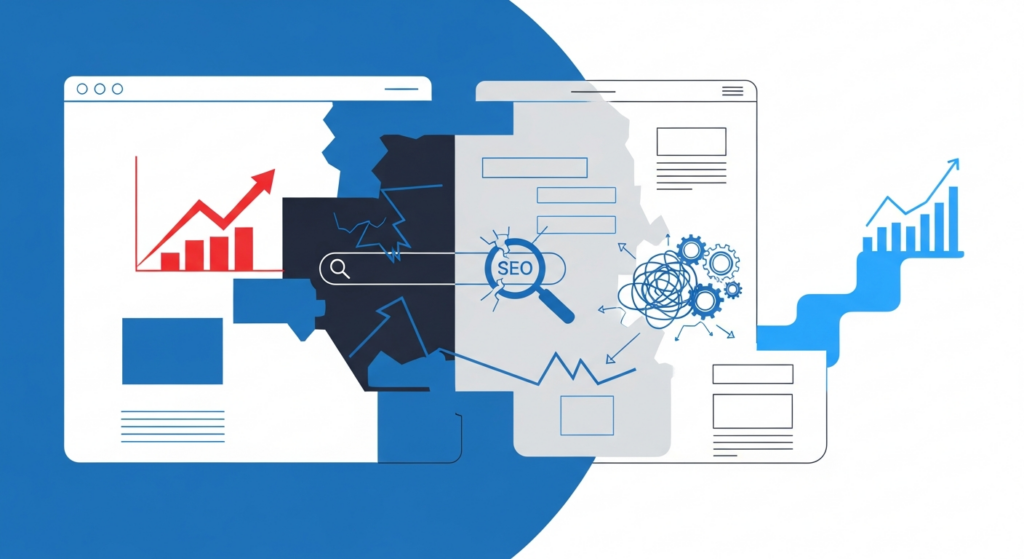
Paying less for a website sounds smart at first: you save money now and get a site up fast. But many low-cost builds skip essential work that affects reliability, performance, search visibility, and long-term cost. Understanding the typical trade-offs lets you make clear decisions that match your goals and budget.
What “cheap” often means in practice
Low-price website packages commonly cut corners in ways that aren’t obvious on day one. Common shortcuts include using poor-quality templates, skipping performance optimization, leaving out basic security, ignoring accessibility, and providing minimal documentation or training. Those choices can create hidden costs later: slower pages, avoidable downtime, higher maintenance needs, and lost leads.
Performance and speed problems
Speed affects user experience and conversions. Cheap builds often use unoptimized images, bloated themes, and shared hosting plans with limited resources. Those factors cause slower load times, which increase bounce rates and reduce the chance a visitor converts. Repairing performance after launch usually costs more than building with performance in mind from the start.
Security and stability risks
Security is another area where low-cost work shows up later. Developers who prioritize time over process may skip secure configurations, proper user permissions, or timely plugin updates. That leaves the site more vulnerable to hacks and outages. Fixing a compromised site is expensive: you lose time, may need professional cleanup, and risk damage to your brand and customer trust.
Poor SEO foundations
Cheap sites sometimes omit the basics that help search engines find and rank your pages. Missing or incorrect metadata, slow page speed, improper URL structure, and lack of mobile optimization can all reduce organic visibility. Improving SEO later is possible, but retrofitting a site to be search-friendly often involves reworking templates, content, and technical settings — work that could have been included with a thoughtful initial build.
Limited ownership and future flexibility
Some low-cost options use proprietary themes or tightly coupled page builders that make future changes difficult. You may find yourself locked in, unable to move hosting or update design without paying for a rebuild. Building a site with clear code, standard tools, and documentation reduces vendor lock-in and keeps future options open.
Maintenance and support gaps
Cheap builds typically include little or no ongoing support. When something breaks or needs updating, you might be left searching for a new contractor who has to learn the site first. That learning curve raises the cost of simple fixes. A reasonable maintenance plan and documentation at launch reduce long-term support costs and downtime.
User experience and conversions
Design choices made to save time — unclear navigation, inconsistent branding, or poor mobile layouts — directly affect how visitors interact with your site. A site that’s difficult to use will produce fewer leads, fewer sales, and more frustrated visitors. Investing in a clearer information structure and simple, usable design pays back through better conversion rates.
Real-world examples of hidden costs
- Time lost fixing frequent plugin conflicts and updates because the initial build used incompatible add-ons.
- Replacing a cheap theme after discovering it causes slow page loads and poor mobile rendering.
- Paying for emergency support after a security breach that could have been prevented with basic hardening.
- Rewriting URL structures and templates later to improve SEO visibility.
How to evaluate value, not just price
Choosing a web partner based on total value avoids the trap of cheap upfront pricing. Ask about process, testing, performance benchmarks, security practices, and what’s included in support. Look for clear deliverables, documentation, and a plan for handoff or training. A trustworthy provider will explain trade-offs and offer options so you can match scope to budget.
Checklist: Questions to ask before you buy
- What does the price include for performance optimization and image handling?
- How is the site secured, and what ongoing updates are recommended?
- Will the site be mobile-friendly and accessible?
- How easy is it to update content, change hosting, or migrate if needed?
- What documentation and training will we receive at launch?
- Are backups and monitoring included or available?
Choosing the right option for your needs
Not every project needs a high-end custom system, but almost every project benefits from planning for stability, performance, and ongoing maintenance. If your site represents your business or handles customer interactions, think of the website as an investment in an operational system rather than a one-time purchase. Spending a bit more up front on a solid foundation often saves money and frustration over time.
Practical next steps
Begin by defining what success looks like for your site: leads, sales, bookings, or reliable information delivery. Use that goal to prioritize features and budget. If you already have a cheap build, audit it for security, performance, and content structure. A targeted set of improvements can deliver measurable benefits without a full rebuild.
If you want a website that’s reliable, fast, and easy to maintain, Hess WebTech can help you choose practical next steps and a clear plan for long-term value.