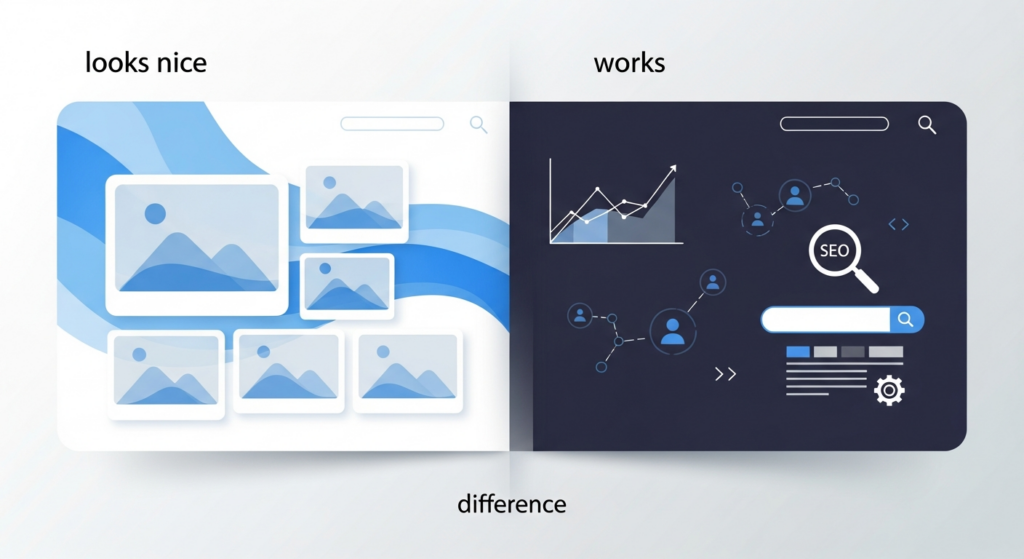
Many small business owners equate a beautiful homepage with a successful website. A polished layout, large photos, and modern typography can impress visitors for a moment. But a website that truly works does more than look good — it helps people find what they need, supports business goals, and keeps your operations running smoothly.
What people notice first: visual design
Visual design is how your brand shows up: colors, imagery, layout, and the overall impression. Good design builds trust, helps visitors understand your brand quickly, and can make navigation feel intuitive when done well. For many buyers the first impression determines whether they stay or leave within seconds.
What really matters: a website that works
A website that works focuses on measurable outcomes and real-world use. It answers important questions quickly, performs reliably across devices, converts visitors into customers, and is maintainable by the team that runs it. That “works” part comes from planning, testing, and ongoing support — not only from pretty pixels.
Key differences, at a glance
- Purpose vs. presentation: A working site prioritizes tasks visitors need to complete. A pretty site prioritizes aesthetic choices.
- Performance vs. polish: Fast load times and predictable behavior matter more for long-term results than a few extra visual effects.
- Clarity vs. complexity: Clear navigation and content that answers questions beat clever layouts that hide important information.
Core elements of a website that works
1. Clear content and structure
Useful content answers common questions and guides visitors toward the next step. Headings, short paragraphs, and clear calls-to-action help people scan quickly. Information architecture — how pages are organized — should reflect real user needs, not internal departments or design trends.
2. Reliable performance and accessibility
Slow pages frustrate users and reduce conversions. Performance work focuses on fast page loads, predictable interactions, and graceful behavior on mobile devices. Accessibility ensures people with disabilities can use your site, which widens your audience and reduces legal risk.
3. Measurable conversion paths
A working site makes it obvious what success looks like: a contact form submission, a phone call, an appointment booking, or a purchase. Each major page should support a clear next step and make it easy to complete. Tracking these actions lets you measure what’s working and where people drop off.
4. Search visibility and local relevance
Design alone won’t bring visitors. Practical SEO and local optimization help people find your site when they search for your services. That means readable content, correct technical setup, and location signals for local businesses.
5. Maintainability and support
A site that works is simple to update and secure to run. Consider how easy it is to change content, add pages, and fix problems. Regular maintenance and a support plan keep the site healthy so small issues don’t become business interruptions.
Design choices that support function
You don’t have to choose between attractive and functional. Good projects combine both by making design choices that improve usability:
- Use typography and spacing to improve scanability rather than just decoration.
- Choose images that clarify rather than distract from your message.
- Limit decorative scripts or heavy animations that slow pages or interfere with mobile users.
Common pitfalls when prioritizing looks
- Hidden navigation: Visual experiments that bury important links lead to confusion and lost customers.
- Unoptimized media: Large photos without proper compression slow the site and hurt conversions.
- Ignoring mobile behavior: Layouts that look great on desktop but fail on phones reduce the site’s usefulness for a large share of visitors.
A practical checklist to move from pretty to practical
- Define the primary business goals your site must support (calls, leads, bookings, sales).
- Map common visitor journeys and ensure key information is reachable within two clicks.
- Measure page speed and fix the biggest bottlenecks (image sizes, caching, server response).
- Confirm forms and contact methods work and are easy to use on mobile.
- Set up basic tracking for conversions and review the data monthly.
- Create a simple maintenance plan for updates, backups, and security patches.
How to decide what to change first
If your site looks great but underperforms, start with the highest-impact, lowest-effort fixes: make contact options obvious, optimize images, and ensure one clear action per page. Use analytics to prioritize pages with high traffic but low conversion and test simple improvements before a full redesign.
When to consider a redesign or rebuild
A full redesign makes sense when the site’s underlying structure, technology, or content strategy prevents you from meeting goals. If the theme or platform limits important functionality, or if maintenance is overly costly, rebuilding with a focus on usability and performance can be the right next step.
Final thoughts
A website that works balances visual appeal with practical function. Design creates trust and brand recognition, but planning, measurement, and ongoing support turn that trust into business results. Prioritize clarity, performance, and maintainability to get the most value from your site.
If you want help making your website more useful for real people and real goals, contact Hess WebTech to discuss practical next steps and a clear plan.